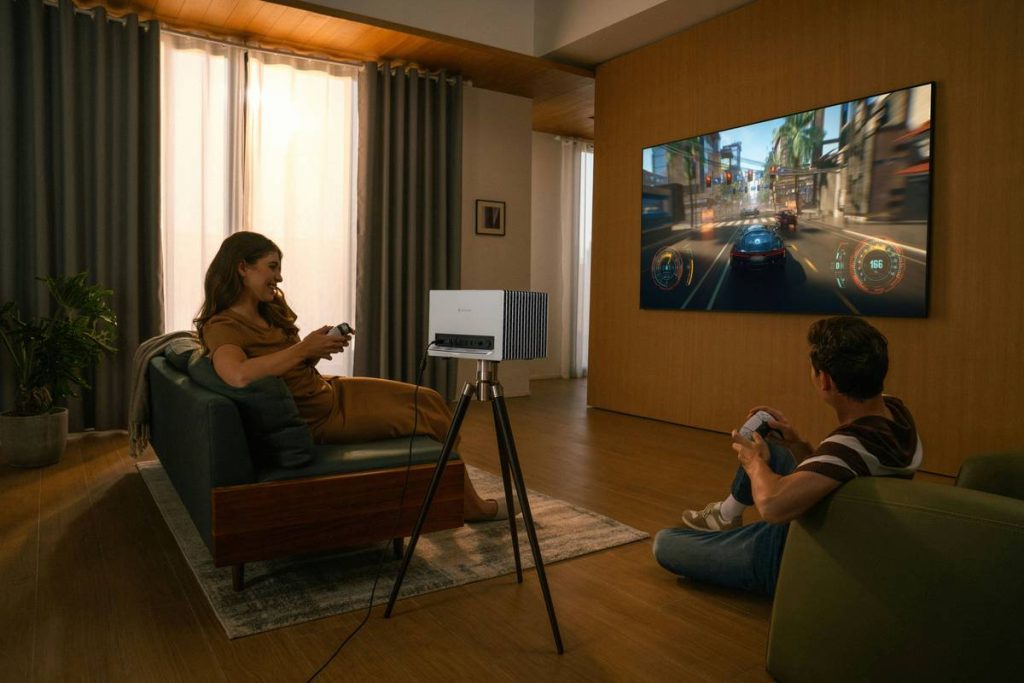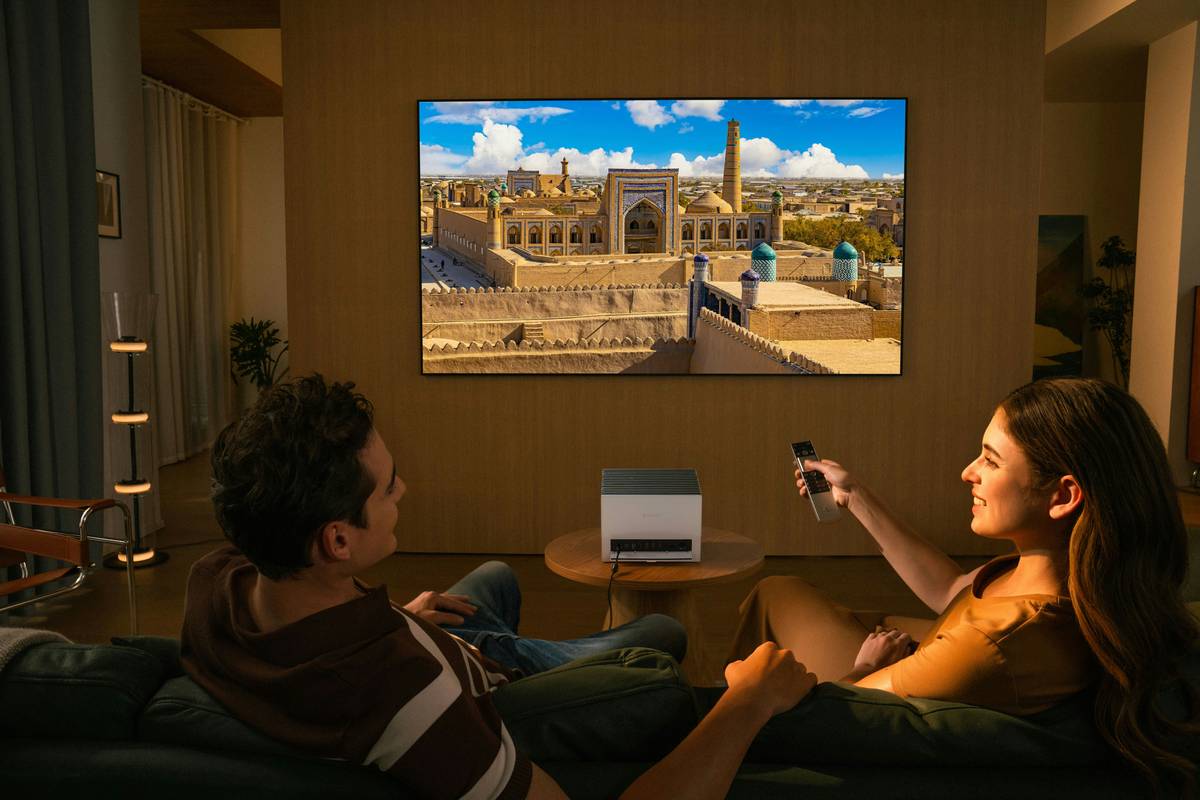
You’ve got a 4K OLED, surround sound that rattles your fillings, and a console that costs more than your first car. But you’re still perched on a wobbly office chair, squinting at the screen, back screaming after two hours of gameplay. It’s not immersive—it’s endurance training. The fix isn’t another $200 controller skin or RGB strip. It’s home theater recliners engineered for marathon sessions, cinematic immersion, and spine-saving ergonomics.
The Core Problem: Why Generic Chairs Sabotage Your Experience
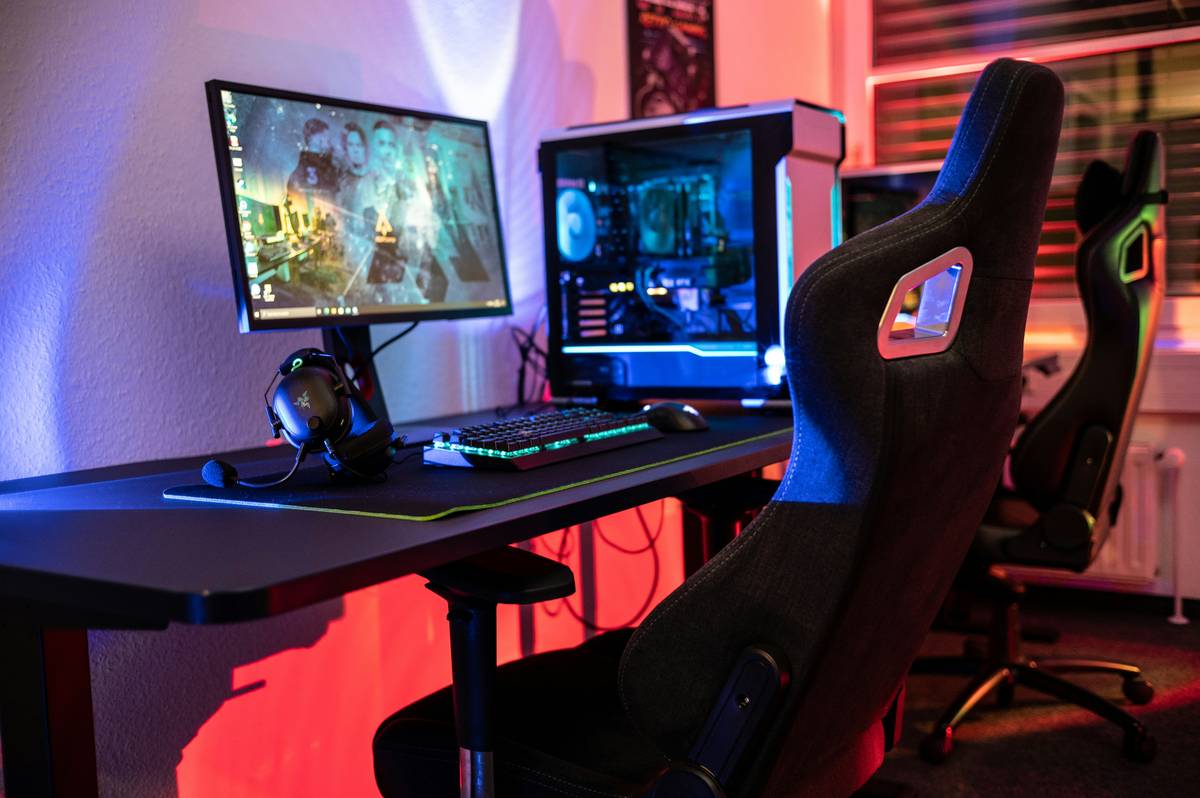
Gaming chairs styled like race car buckets look slick—until you realize they’re built for posture torture, not playtime. Most prioritize flashy aesthetics over lumbar support, offering zero recline range and minimal headrest adjustability. You’re forced upright, neck craned upward toward a wall-mounted TV. And forget shared viewing—non-reclining seats force everyone into “front-row tension” during cutscenes or co-op raids.
Standard recliners? They’re often too bulky for tight media rooms or lack integrated tech. Bluetooth speakers buried under faux leather that cracks in six months. USB ports positioned where your cat knocks over your energy drink. The result? A compromised experience that feels halfway between a living room and a waiting room.
Your Step-by-Step Guide to Picking the Perfect Gaming Recliner
Measure Twice, Recline Once
Start with room dimensions—not just floor space, but throw distance from screen to seating position. A 75-inch TV needs ~9 feet for optimal viewing. If your recliner fully extends beyond that, you’ll be watching from your neighbor’s yard. Use painter’s tape to map out fully reclined footprint before buying.
Power vs. Manual: The Hidden Cost of Convenience
Electric mechanisms add $300–$600 to MSRP but eliminate the grunt-and-heave of manual levers. More importantly—they enable memory presets. One tap returns you to your “God of War cutscene lean-back” angle. But if wiring access is limited, go manual. Just ensure the mechanism uses steel (not plastic) gears.
Material Matters More Than You Think
PU leather screams “budget,” fades fast, and traps heat. Genuine top-grain hides breathe better but cost more. Performance microfiber? Often the sweet spot—soft, durable, and surprisingly spill-resistant. Avoid anything labeled “vegan leather” unless it specifies high-density polyurethane weave.

| Feature | Budget Tier (<$800) | Mid-Tier ($800–$1,800) | Premium Tier (>$1,800) |
|---|---|---|---|
| Recline Mechanism | Manual lever, single position | Smooth glide motion, multi-angle | Wall-hugger power recline with zero gravity |
| Frame Material | Plywood composite | Kiln-dried hardwood + metal support | Aircraft-grade aluminum chassis |
| Tech Integration | USB port (wired) | Bluetooth 5.0 speakers + wireless charging | App-controlled massage nodes + ambient lighting sync |
| Upholstery Lifespan | 1–2 years (peeling/cracking common) | 5+ years with moderate care | 10-year warranty against wear |
The Industry Secret: Why Rental Theaters Don’t Use What You’re Buying
Here’s something manufacturers won’t advertise: commercial cinema recliners use modular cushion cores—replaceable foam inserts that maintain shape for thousands of cycles. Consumer models? Usually glued-in foam that flattens permanently after 18 months. But—and this is the hack—you can retrofit high-resilience HR40 foam pads yourself. Cut to size, slip under existing upholstery (most zippers hide access panels), and instantly extend comfort life by 3–4 years. I’ve done it in three client setups. Total cost: $45. Feels like a new chair.
And don’t fall for “gamer-exclusive” branding. The same factories producing $2,500 “pro gaming thrones” also make OEM parts for luxury RV interiors. The difference? Marketing markup, not mechanics.
Frequently Asked Questions
Do home theater recliners work for console and PC gaming?
Absolutely—if positioned correctly. For PC, place slightly farther back (8–10 ft) to reduce mouse arm strain. Use a lap desk with non-slip surface for keyboard stability.
How much space do you need behind a recliner?
Traditional models need 12–16 inches to recline fully. Wall-hugger designs require only 4–6 inches—critical for small dens or basement setups.
Can you connect gaming consoles directly to recliner speakers?
Yes, but latency matters. Wired AUX gives zero lag. Bluetooth adds ~120ms delay—fine for cutscenes, unacceptable for competitive play. Opt for models with optical input passthrough.